
If you have not yet linked your accounts, please follow all the steps below. If you have linked your accounts already, you only need to do the last step.
1. Join one of our NoWipe servers.
2. Hold the Reload button/key (Steam – “R”, PS5 – “Square”, Xbox – “X”).
3. Select “Valyria”.
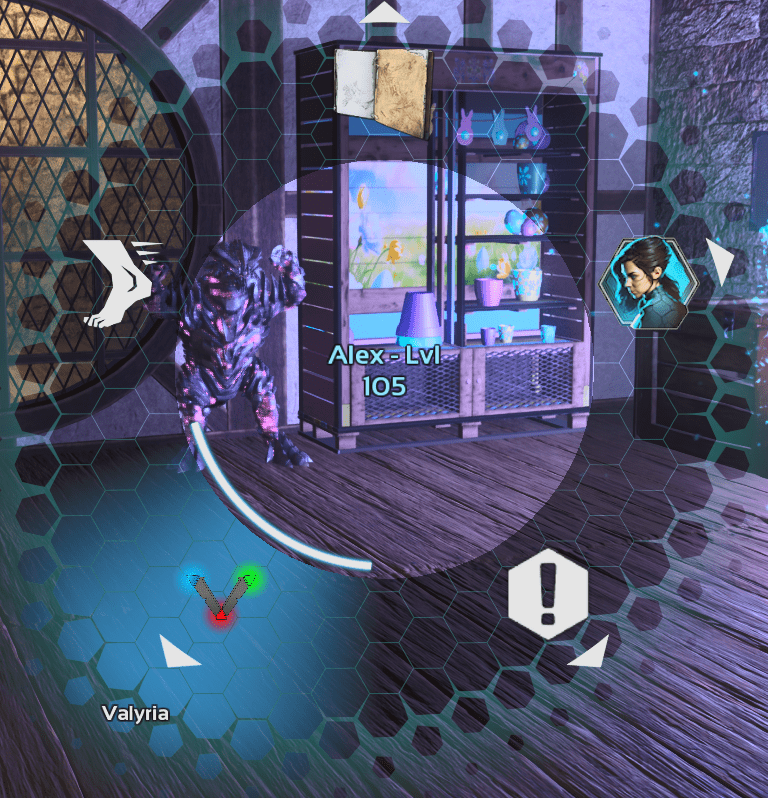
4. Select “Link Discord”.
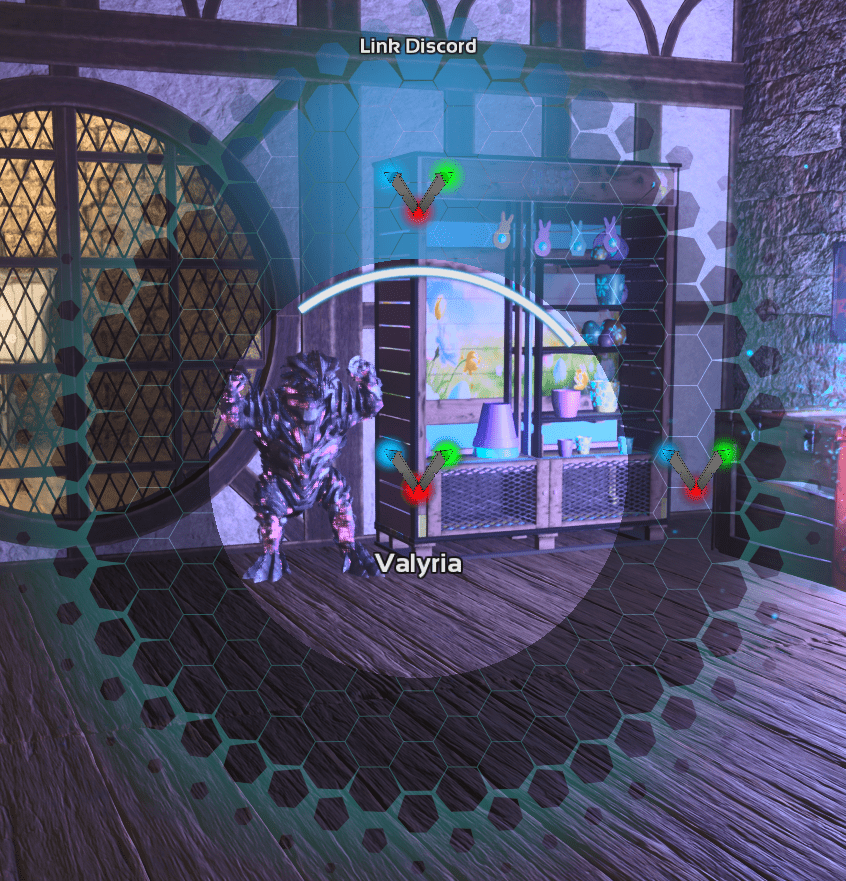
5. A code will be displayed on your screen.
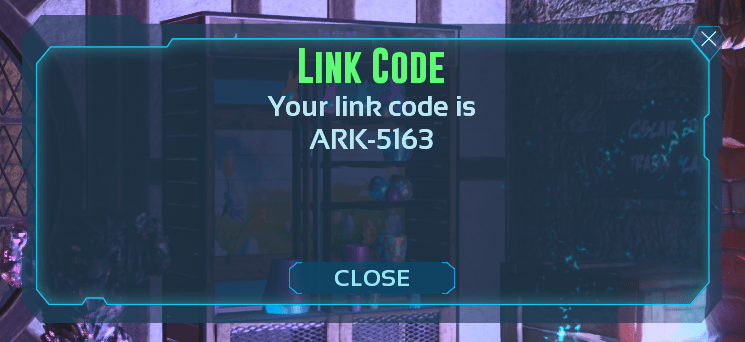
6. Go to the #apply channel in our Discord.
7. Press the “Link Ark Account” button and enter the code when prompted.
8. Type /sub-link and enter the email you used during checkout when you subscribed.
Please make sure to use the same email you used during the checkout process. If you used Apple Pay, please use the email associated with your Apple Pay account. If you have any issues, please make a post in our Support Channel! For cancellations, you can use /sub-manage in 🤖︱bot-spam or visit the Customer Portal.